Discovery-ADDS.exe
3 minute read
As an alternative to inventory using the wizard, the autonomous Discovery module can be used. This is executed directly on the domain controller and generates a result file that is subsequently imported into Docusnap via the File Import.
General information about autonomous Discovery modules, standard parameters, and importing result files can be found in the chapter Autonomous Discovery Modules.
The following modules are available for inventorying Active Directory systems:
- Discovery-ADDS.exe (This module is always up-to-date and should be used preferably.)
- Discovery-ADDS-Legacy.exe (corresponds to the state of Docusnap 12 and is no longer being developed, remains for existing implementations)
The Discovery-ADDS.exe module can be executed either by double-clicking or via the domain controller’s command line.
Export Active Directory Settings
For easy configuration of the inventory with the Discovery-ADDS.exe module, without the need to manually handle numerous parameters, use the Export AD Settings wizard. If no configuration is specified, default values are used.
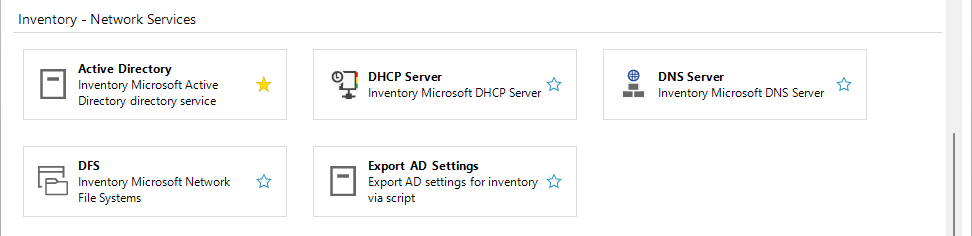
With this wizard, similar to the already known wizard, scan scope, scan options, OU filters, etc. are selected and exported to a zip file.
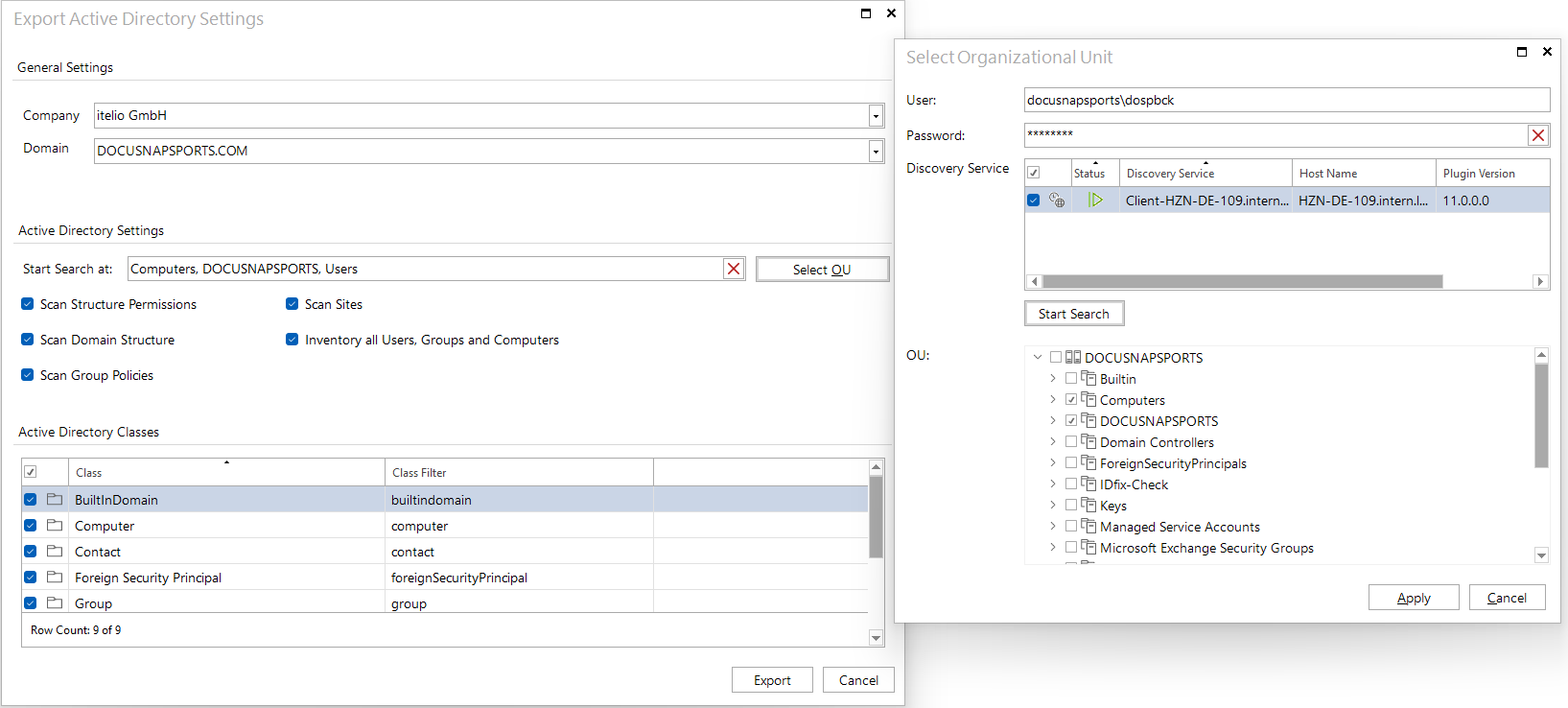
This zip file contains the configuration file (ADSettings.xml), the schema (ADSSchema.xml), and the .exe file for execution on the target system (Discovery-ADDS.exe).
C:\Discovery-ADDS.exe -config ADSettings.xml
ADDS specific Options:

Important: Create the ADSettings.xml for inventory configuration with the 'Export AD Settings' wizard.

     -config <file>
           Description: Specifies an XML file which contains the configuration for the execution.
           If this parameter is not provided, the program searches for a file named
           ADSettings.xml in the same directory and uses its settings. If neither this parameter
           is provided nor ADSettings.xml is found in the directory, the inventory is conducted
           using default settings.

     Examples
           ADDS-Inventory with specific settings: C:\Discovery-ADDS.exe -config ADSettings.xml
           ADDS-Inventory with standard settings: C:\Discovery-ADDS.exe
The Discovery-ADDS.exe.config file
The Tools folder of the Docusnap program directory contains the file Discovery-ADDS.exe.config in addition to the module. It only contains the setting enforceFIPSPolicy enabled="false", which overrides the Windows FIPS policy for this module.
The file is only required if the target system enforces the use of FIPS-compliant algorithms (group policy System cryptography: Use FIPS compliant algorithms for encryption, hashing, and signing). In this case, encrypting the collected data fails without the configuration file. Copy the file together with Discovery-ADDS.exe into the same directory on the target system.
If the FIPS policy is not active, the file has no effect – it can be copied along or omitted.