Solutions
Document Your Network Completely
Network diagrams, topology maps and cabling details from automated scans.
More than 5,000 organizations document their IT with Docusnap
The Problem
Most network documentation is outdated
Created manually, never updated
Visio drawings are created once and never kept up to date after the first infrastructure change. Within a few months, the diagram no longer matches the actual network.
No complete picture
Servers, clients and network devices are documented in different places. Anyone trying to understand the topology has to piece together multiple sources and hope they are all current.
No overview when things break
When a switch fails, the information about which systems depended on it is missing. Troubleshooting starts from scratch, and downtime grows.
The Path
How complete network documentation is built
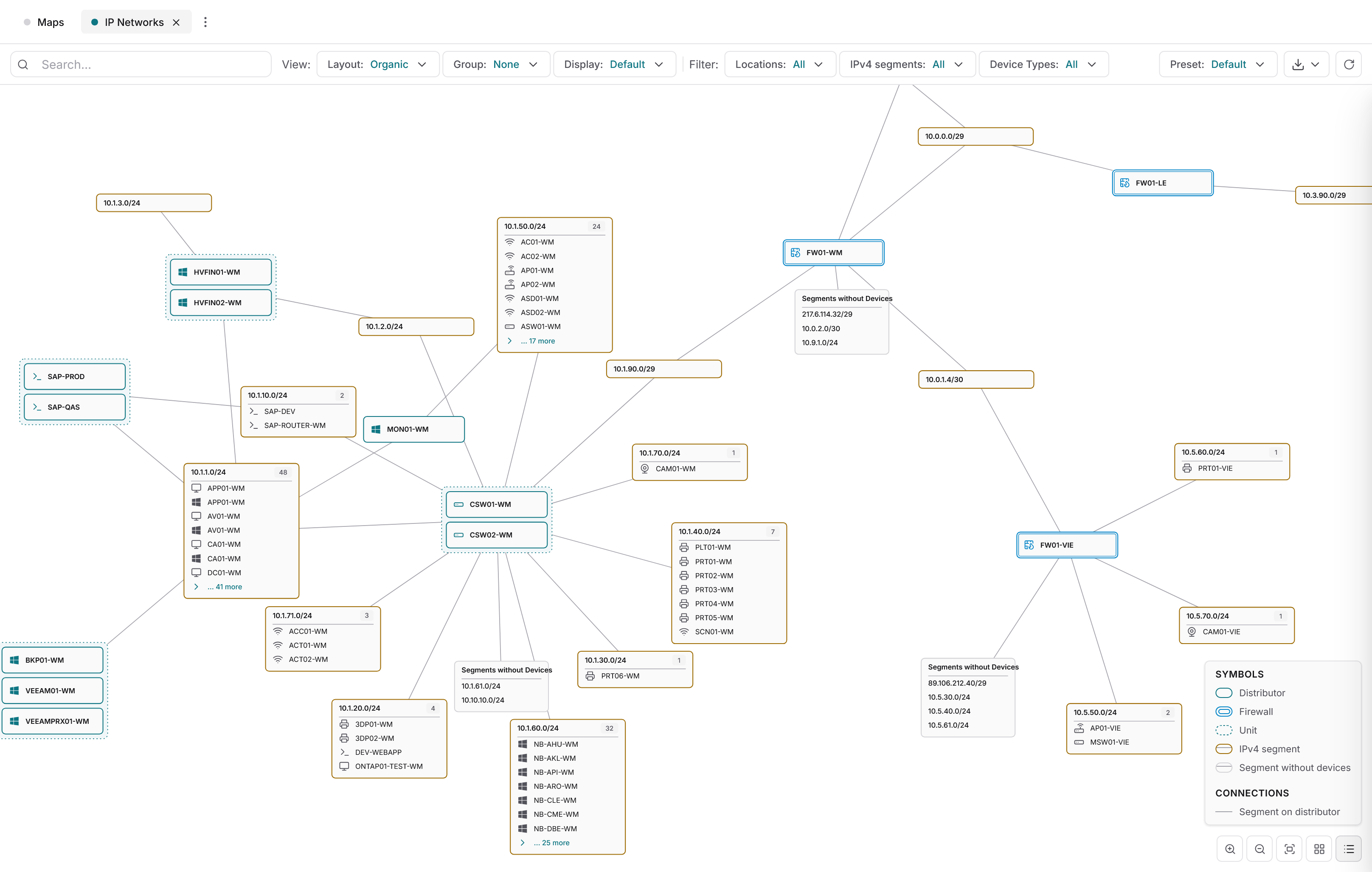
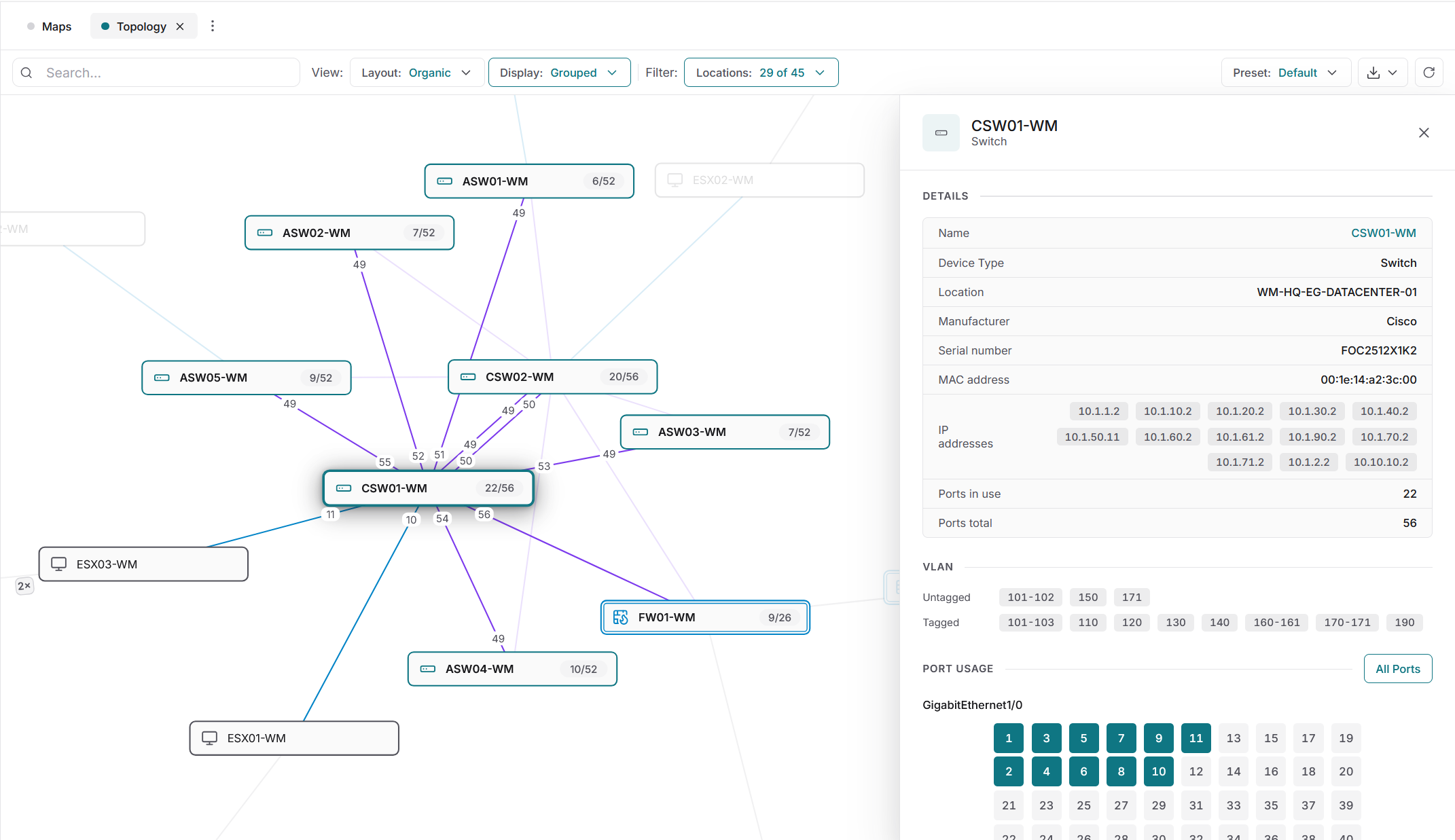
Complete network documentation starts with agentless discovery using standard protocols such as SNMP, WMI and SSH. The collected data on switches, routers and other network components flows into a central CMDB. From that data, Docusnap365 generates network diagrams, topology maps and routing plans automatically and updates them with every scan cycle.
What Docusnap365 captures in your network
Network inventory is part of the central IT documentation, where network components are documented alongside servers, clients, virtualization and cloud services.
Network devices
Switches, routers and firewalls via SNMPv1/v2 and SNMPv3. Cisco Meraki devices via the Meraki API.
IP infrastructure
DHCP scopes, DNS zones, IP hosts and subnets. The logical network structure is fully mapped.
Connections and dependencies
Which device on which port, which server reachable through which switch. Relationships are created automatically during the inventory.
Generated diagrams
Topology maps, network diagrams and routing plans. Updated with every scan. Export as Visio and PDF.
Query your network documentation by asking
In addition to the detailed tables, use the AI Chat to query your network documentation directly. Ask in plain language, get answers from your actual scan data.
42 servers at the Munich site, 31 of them virtual on four hosts.
Seven servers run Windows Server 2012 R2, support ended in October 2023.
18 accounts across three groups, four of them with full access.
96 clients and five servers have had no update for more than 30 days.
Four instances on three servers, two of them holding ERP databases.
Frequently asked questions about network documentation
What should complete network documentation include?
How does network documentation stay up to date?
Do I need software agents on the network devices?
Does network documentation help with audits and certifications?
See network documentation in action
Try Docusnap365 for free and see how your network diagrams are generated automatically.
Start for free, no credit card required