IT Asset Discovery: Find Every Asset, Keep It Current
Docusnap365 scans your entire IT environment without agents and feeds the results straight into a central CMDB.
Devices, software, services: discovered automatically, documented centrally
IT asset discovery is the automated detection of every device, application and service within an IT environment. Docusnap365 uses a locally installed gateway that scans systems via WMI, SSH and SNMP without deploying agents. The results flow directly into a central CMDB that also supports documentation, vulnerability management and IT asset management.
The larger your environment grows, the more you need an inventory that keeps up on its own. Docusnap365 makes IT asset discovery part of a broader IT inventory and keeps the recorded estate current with every scan.
Manual IT tracking: where the effort outgrows the team
You can document ten servers in a spreadsheet. At 300 systems, multiple sites and a growing cloud footprint, that becomes a full-time job.
Every round takes longer
Each new site, platform or cloud service adds time to the manual cycle. At some point the inventory no longer fits into a sprint or a Friday afternoon.
Yesterday's data
Between two collection rounds, systems are added, configurations change and VMs are spun up or decommissioned. The spreadsheet always shows last week's picture.
Three tools, three versions of the truth
Assets in Excel, network maps in Visio, licence records in yet another file. When a security incident demands the full picture, someone has to piece it together by hand.
How IT asset discovery works with Docusnap365
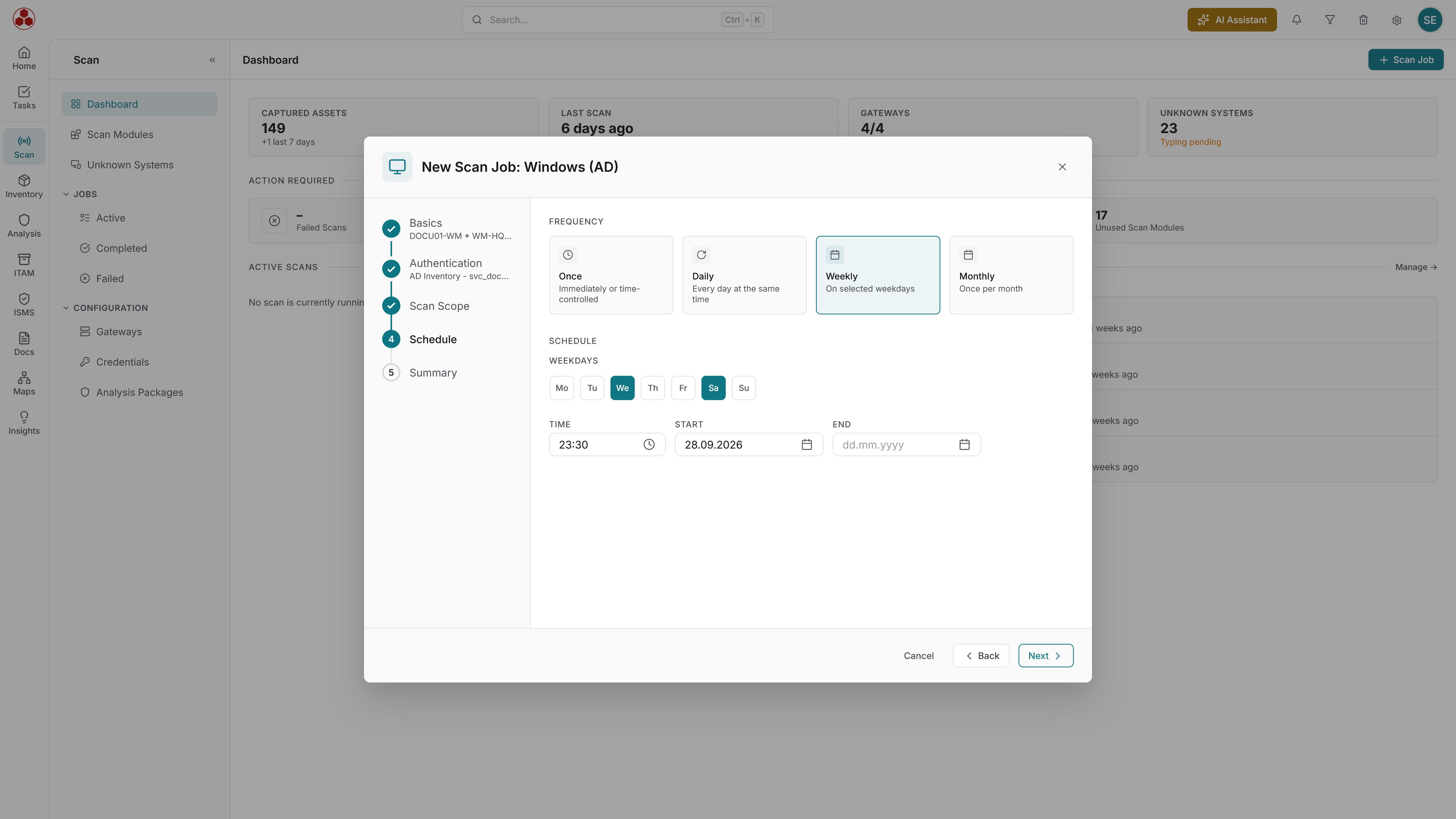
What Docusnap365 discovers across your environment
More than 25 inventory modules cover on-premises and cloud systems alike. Every module is included in every Docusnap365 licence.
Servers and clients
Windows, Linux and macOS: hardware, installed software, services and network configuration.
Network devices
Switches, routers, wireless access points and printers via SNMPv1/v2/v3. Cisco Meraki devices through the Meraki API.
Virtualisation
VMware (ESXi, vCenter), Hyper-V, Nutanix and Proxmox: VMs, hosts, datastores and snapshots.
Cloud and Microsoft 365
Users, licences, groups, Teams, SharePoint and Exchange Online. Managed devices and compliance policies via Microsoft Intune.
Databases
Microsoft SQL Server, MySQL and Oracle: instances, schemas, permissions and configurations.
Directory services and permissions
Active Directory with users, groups, OUs, GPOs and trust relationships. NTFS permission structures at file and folder level.
What builds on the discovery
Every scan result lands in one shared CMDB. Credentials stay in the local gateway, and the architecture scales across any number of sites and security zones. Four further modules work on that foundation:
IT documentation and CMDB
Topology maps, network diagrams and dependency views, generated from the discovered data and refreshed with every scan.
Network documentation
IP scans, DHCP scopes, DNS zones and SNMP queries combine into a complete picture of the network infrastructure.
Vulnerability management
Automated CVE matching against the inventoried estate. Only hits that actually affect installed software and versions are shown.
IT asset management
Lifecycle, costs, warranty status and licence overview: all built on the data foundation that starts with discovery.
Query the discovered estate in plain language
Whatever the discovery has recorded can be asked directly: no report export, no chains of filters.
42 servers at the Munich site, 31 of them virtual on four hosts.
Seven servers run Windows Server 2012 R2, support ended in October 2023.
18 accounts across three groups, four of them with full access.
96 clients and five servers have had no update for more than 30 days.
Four instances on three servers, two of them holding ERP databases.
Common questions about IT asset discovery with Docusnap365
What exactly does an IT asset discovery tool find?
How does agentless discovery work?
Which network devices does the discovery cover?
Are credentials protected during discovery?
Can Docusnap365 discover cloud environments such as Microsoft 365?
How often should a discovery scan run?
Ready for the full picture?
Start your first IT asset discovery with Docusnap365 and see for yourself what is running in your environment.
Full functionality. No credit card required.