Platform
Ask Your IT Documentation
The AI Chat in Docusnap365 answers questions, creates new entries, and edits existing data. All in natural language, straight from the conversation.
AI processing takes place exclusively within the EU. GDPR-compliant.
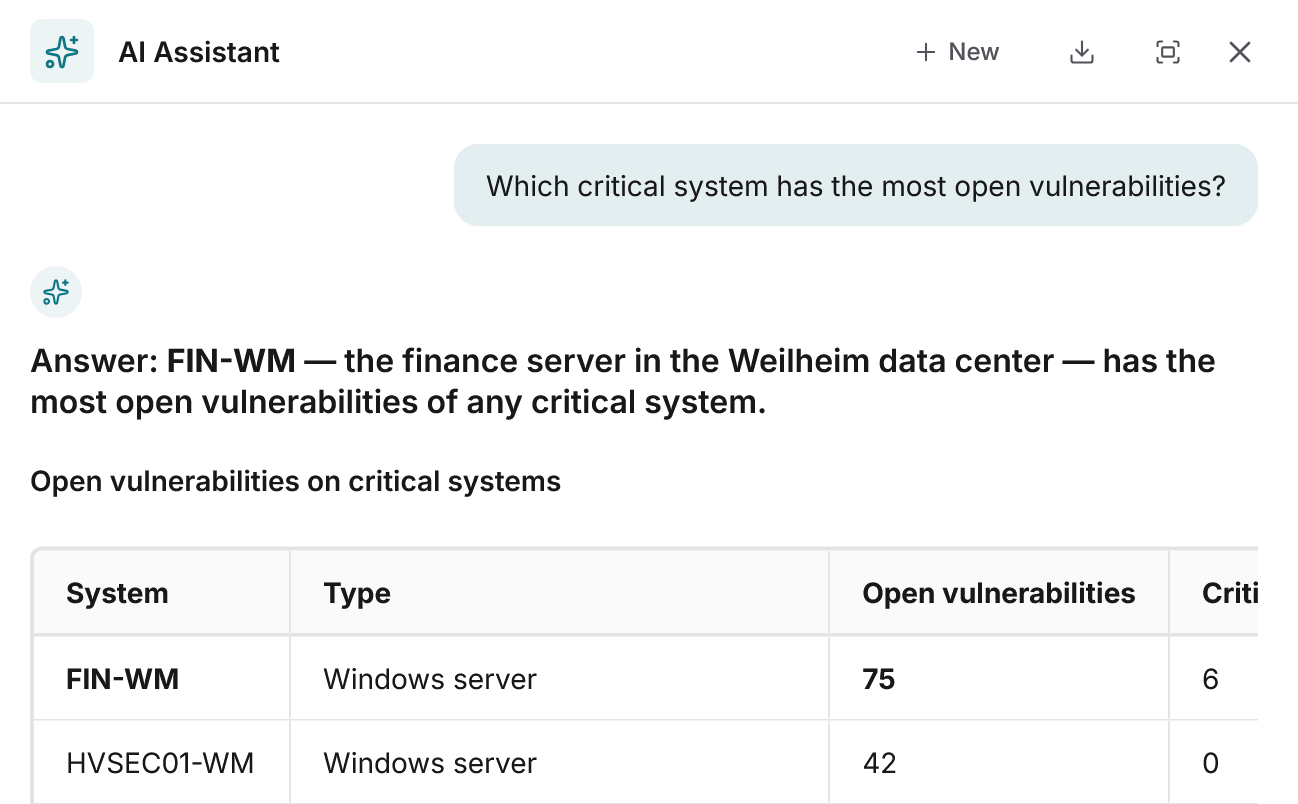
How it works
Ask, create, edit. Via chat.
The AI Chat in Docusnap365 lets you query and edit all data in your IT documentation. It understands natural language, creates objects, updates entries, and links records.
42 servers at the Munich site, 31 of them virtual on four hosts.
Seven servers run Windows Server 2012 R2, support ended in October 2023.
18 accounts across three groups, four of them with full access.
96 clients and five servers have had no update for more than 30 days.
Four instances on three servers, two of them holding ERP databases.
What the AI Chat can do
Full-text search across all data
The AI Chat searches systems, assets, documents, and notes in a single query. You don't need to know where a piece of information is stored.
Questions in natural language
Ask your question the way you would ask a colleague. The AI Chat understands the intent and returns a summarized answer.
Create and edit data
Create new assets, risks, notes, or any other objects directly from the chat. Existing entries can be updated, extended, or linked just as easily.
Work within the ISMS
Create risk assessments, assign measures, establish relationships between assets and risks. The AI Chat is a full working channel for information security management.
MCP interface
Connect your own AI client to Docusnap365. Via the Model Context Protocol, the entire data set is available outside of Docusnap365 as well.
Data protection
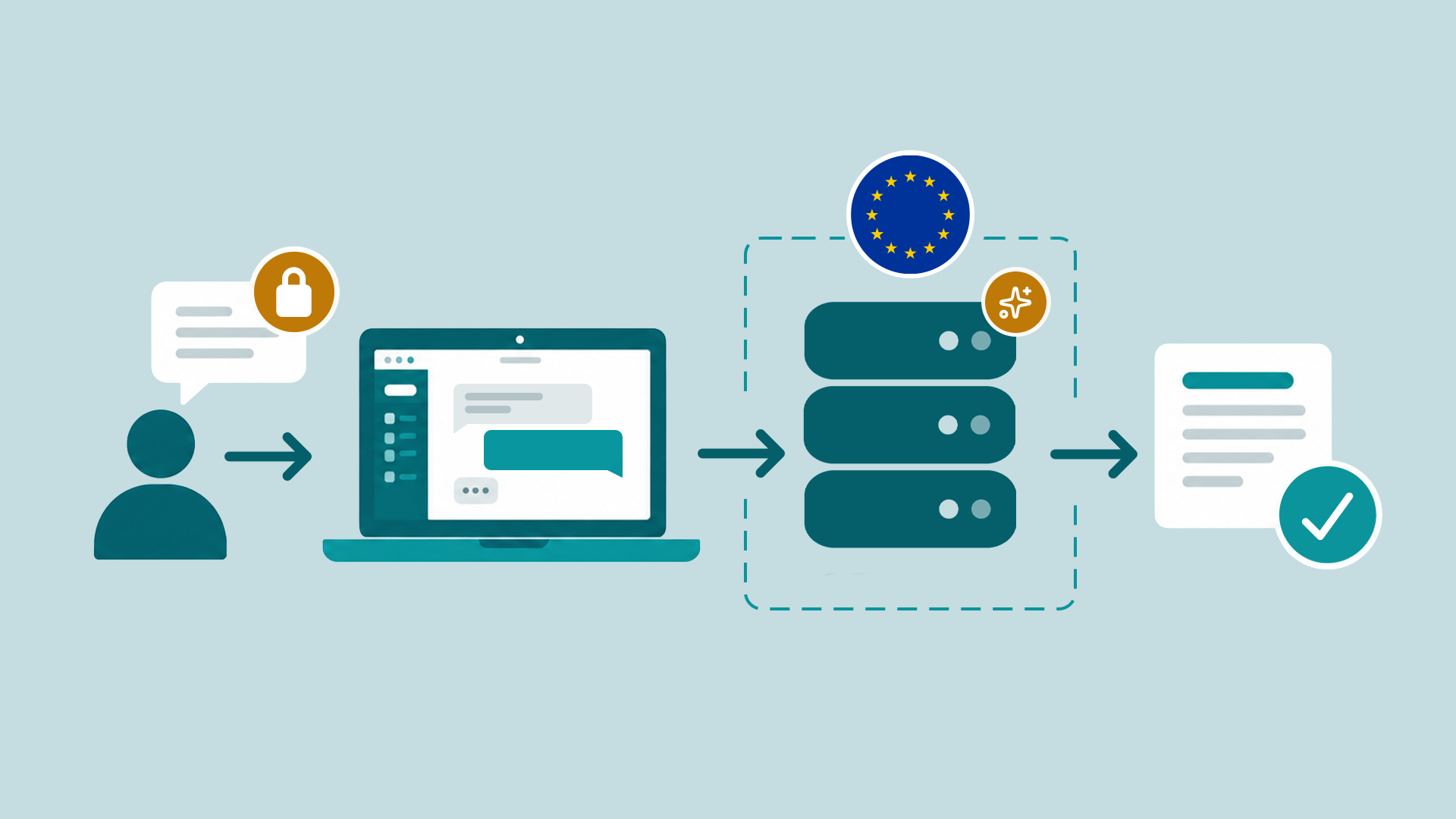
AI Processing in the EU
The AI chat feature in Docusnap365 uses an AI model from an external provider. This model is operated exclusively within the EU. Data processing is carried out in accordance with the GDPR; your data is not transferred to AI providers or companies outside the EU. Data processing takes place in the same region where your data is stored.
What changes for your team
Knowledge becomes accessible
Documentation only helps when someone can find what they need in seconds during an incident. The AI Chat turns stored knowledge into available knowledge.
No training required
There is no query language, no filter combinations, and no click paths to learn. Anyone who can form a question gets an answer.
Informed without specialist knowledge
Colleagues outside IT can ask targeted questions about the documentation without tying up an admin.
Frequently asked questions about the AI Chat
What data does the AI Chat search?
Is my data shared with third-party AI providers?
What is the MCP interface?
Can the AI Chat also create and modify data?
Do my employees need training for the AI Chat?
See the AI Chat in action
Try Docusnap365 with preloaded sample data and ask your first question to the AI Chat.