NIS2 Software: Compliance Evidence That Keeps Pace
Docusnap365 connects inventory, risk management and vulnerability matching on a shared data base, so your NIS2 evidence comes from ongoing operations rather than a separate project.
What NIS2 software does for your compliance
NIS2 software supports directive implementation by inventorying the IT estate without an agent and feeding the resulting asset data into a risk register, vulnerability matching and an evidence trail. Instead of running NIS2 as a standalone compliance project, inventory, risk assessment, remediation planning and evidence all run on the same CMDB and produce auditable records continuously.
Why NIS2 compliance stalls in day-to-day operations
Most organisations understand what NIS2 requires. The real difficulty is sustaining compliance alongside the daily workload, using the tools and processes already in place.
Data spread across systems
Asset records, risk assessments and remediation logs live in different tools. Assembling the current picture takes hours, and the result is outdated as soon as the next change lands.
Vulnerabilities without context
CVE advisories arrive daily. Without an automatic match against your actual software estate, it stays unclear which vulnerabilities are relevant and which systems are affected.
Compliance treated as a project
Before the audit, evidence gets assembled. Afterwards, documents go stale. A periodic sprint produces a point-in-time snapshot, not a continuous process.
Three steps to your NIS2 evidence base
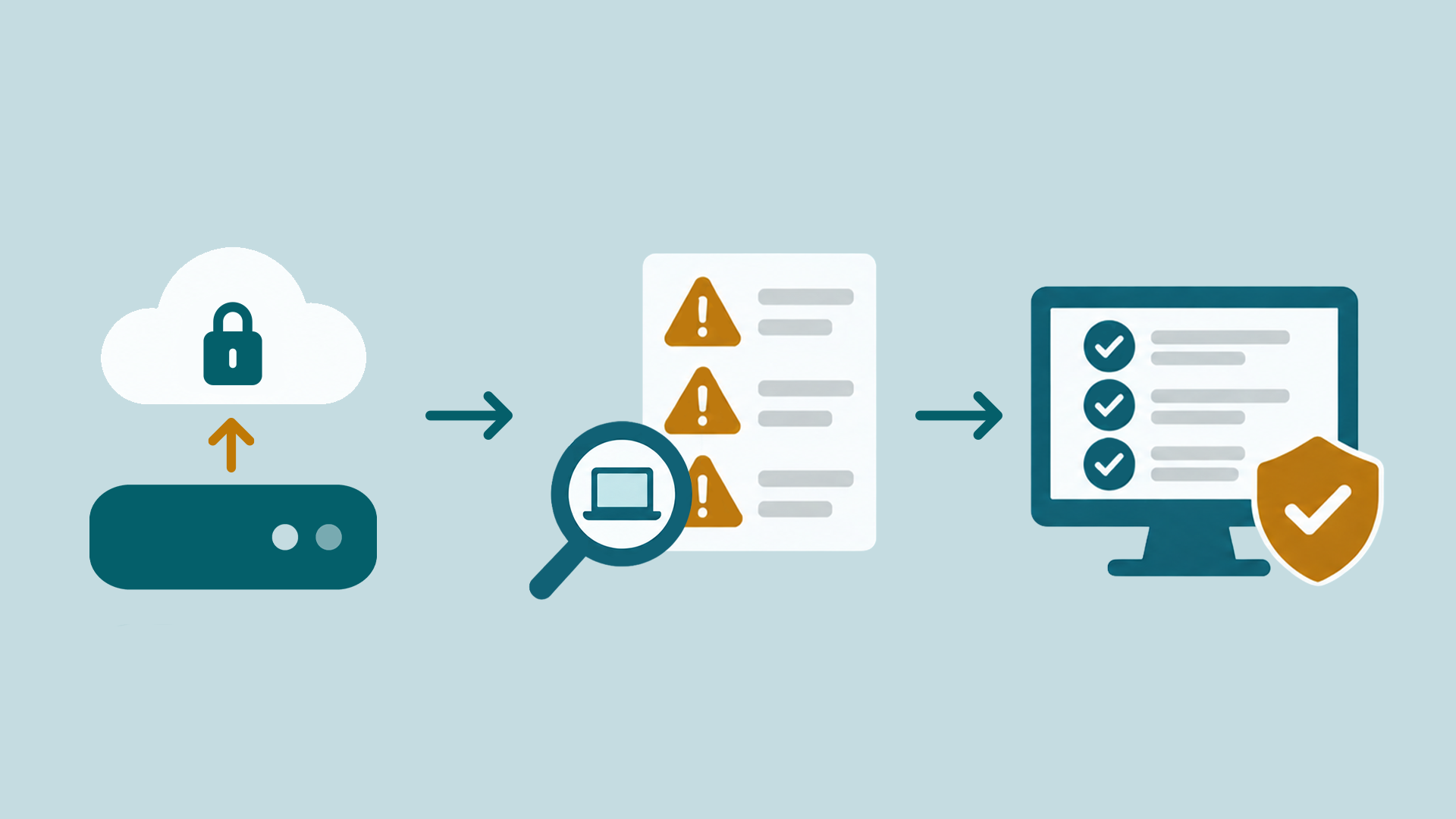
What Docusnap365 covers for your NIS2 compliance
The NIS2 Directive demands measures across several domains at once. Docusnap365 brings the relevant capabilities together on a single data base: the CMDB.
Risk register with asset mapping
Risks are mapped directly to real assets from the CMDB. Risk matrices visualise likelihood and impact. The result is a risk register grounded in your actual estate.
CVE vulnerability matching
Docusnap365 automatically matches known CVEs against your inventoried software and its versions. Only hits that actually affect your estate are shown. Every vulnerability gets a remediation deadline and an owner.
Audit frameworks
NIS2 and ISO 27001 come as built-in frameworks. Controls can be assessed individually and linked across frameworks, making it visible which measure contributes to more than one standard. The audit and compliance module gives you a completeness overview at any time.
Permission analysis
The permission analysis evaluates file, share and group permissions in the Windows file system. Two directions of analysis show what an account can reach and who has access to a given resource. Nested groups and inherited rights are displayed graphically.
Controlled documentation
SmartDocs produce policies and security concepts as controlled documents with a defined approval workflow. Every version is traceable, and a visual diff shows exactly what changed between two revisions. The signed PDF export makes documents externally verifiable.
Remediation tracking
Every measure carries an owner, a status and a due date. The task centre consolidates tasks from ISMS, vulnerability analysis and ITAM in a single view. Completed measures serve as documented compliance evidence at the same time.
Ask your evidence base
The built-in AI chat in Docusnap365 answers questions about your environment in plain language. The answers come from the CMDB, from the risk register, vulnerability matching and remediation tracking.
42 servers at the Munich site, 31 of them virtual on four hosts.
Seven servers run Windows Server 2012 R2, support ended in October 2023.
18 accounts across three groups, four of them with full access.
96 clients and five servers have had no update for more than 30 days.
Four instances on three servers, two of them holding ERP databases.
More modules from Docusnap365
NIS2 is one piece of the picture. Docusnap365 offers additional modules that run on the same CMDB and connect your IT documentation, asset management and security processes.
ISMS
Risk management, remediation tracking and policies on one data base. Risks are tied to real assets; measures have owners and deadlines.
Vulnerability management
Automatic CVE matching against the inventoried estate. Triage, deadlines and conscious acceptance are documented and audit-ready.
Audit & Compliance
Built-in frameworks for ISO 27001 and NIS2. Linked controls show which measure contributes to more than one standard.
IT documentation
Automatic inventory, network plans and CMDB. On-premises and cloud environments in the same documentation.
Frequently asked questions about NIS2 software from Docusnap365
What does NIS2 software from Docusnap365 cover?
How does the automatic CVE vulnerability matching work?
Is Docusnap365 sufficient for NIS2 conformity on its own?
Which compliance frameworks does Docusnap365 support?
How does Docusnap365 obtain the asset data?
Can Docusnap365 integrate with existing systems?
NIS2 evidence from ongoing operations
Risk register, vulnerability matching and remediation tracking on one data base. Explore Docusnap365 and see how your NIS2 evidence takes shape.