Key takeaways
- Docusnap365 is a SaaS platform that brings a configuration management database (CMDB), IT asset management, an information security management system (ISMS), and vulnerability analysis together on one shared dataset.
- Because every area works with the same data, you no longer maintain the same information in several tools. When something changes on a system, the change shows up everywhere after the next scan.
- Day to day, the AI assistant answers IT questions straight from the inventory. In an audit, risks, measures, and approvals are already documented. In an emergency, you’ll find affected systems, responsibilities, and countermeasures in one place.
In many organizations, the overview of their own IT is spread across spreadsheets, network diagrams, wikis, and the heads of a few individuals. Documentation goes stale, and connections get lost. Anyone who needs a reliable answer in daily work, in an audit, or in an emergency first has to search, consolidate, and verify. Docusnap365 makes that IT knowledge visible and usable in one place.
Why one inventory instead of four tools?
Many IT departments run inventory, IT asset management, information security, and vulnerability analysis in separate systems. That means maintaining the same servers in several tools and reconciling changes by hand. Then, in the audit, someone has to explain which list is currently correct. Every one of these reconciliations is a source of error.
With Docusnap365, it works the other way around. The automatic inventory scan captures your IT estate, and every area works with exactly that data. A server appears with its lifecycle status, risks, vulnerabilities, and permissions in one place. Once the next scan has picked up a change, IT asset management, the ISMS, and vulnerability analysis see it immediately. The second database that someone has to keep in sync is gone.
What does Docusnap365 do for day-to-day IT?
Which servers are running without support? Who has access to the finance drive? Which systems haven’t had an update in 30 days? Questions like these come up every day, and answering them usually takes data from several sources.
The AI assistant answers questions straight from the dataset
The built-in AI assistant draws on the entire dataset and understands questions in natural language. It answers them from the data that’s already there, so there’s no list of results to work through by hand. The assistant can also take action: create objects, edit entries, link risks, and assign measures. Anything you can do in the interface also works via chat. If you use your own AI tools, you can connect the data through the MCP interface.
Permissions analysis makes access rights visible
Nested groups and inherited rights quickly make file permissions hard to follow. Permissions analysis shows them from two directions: What can a specific account access? And who has access to a specific share? With it, you can answer who has access to the finance drive in minutes. Not days.
IT asset management lays the groundwork for investment decisions
What needs replacing, what can be consolidated, which maintenance contract is about to expire? IT asset management breaks down purchase, maintenance, and license costs by device, department, and location, month by month and in line with your finance team’s reporting cycle. The platform checks warranty status automatically against manufacturer databases. AI-supported recommendations on replacement and consolidation prepare the decisions, which your IT team then makes.
What does Docusnap365 do in an audit?
Which risks exist, which measures have been implemented, and who approved them? Frameworks such as ISO/IEC 27001, the NIS2 Directive, GDPR, and the BSI Cloud Computing Compliance Criteria Catalogue (C5) require evidence for each of these questions. In many organizations, that evidence only comes together in the weeks before the audit.
Evidence is created as part of day-to-day operations
The platform already includes frameworks such as ISO 27001, NIS2, GDPR, and BSI C5. This lets you assess requirements and identify gaps. Risks are tied to real assets from the CMDB, every measure has an owner, a status, and a deadline, and a journal records its history. Assessing risks and implementing measures remains your team’s job. But whatever comes out of that work is already documented and doesn’t have to be pieced together before the audit.
SmartDocs take documents all the way to approval
Controlled SmartDocs take policies and plans from draft through review to approval. The full history is preserved, and who approved what and when is on record. Approved versions can be exported as signed PDFs, which the audit team can verify externally. The documents sit right next to the assets, risks, and measures they refer to.
What does Docusnap365 do in an emergency?
A critical vulnerability is disclosed, a core system goes down, or a key person is suddenly no longer available. Which of your systems are affected, who’s handling it, and what needs to happen now? Under time pressure, every minute spent searching is a minute lost.
From vulnerability to measure in one platform
CVE analysis automatically matches installed software against public vulnerability databases. It shows only the CVEs that affect your own estate, sorted by CVSS score. As soon as a critical vulnerability becomes known, you can see right away which systems are affected. From the match itself, you create a measure with an owner, a priority, and a deadline. It appears automatically in the ISMS, and the relationship map shows which business services depend on the affected systems. The entire path from vulnerability to documented countermeasure stays in one platform.
When a system fails, you can see at a glance what depends on it
An example from daily operations: if the SAP server goes down, the relationship map shows within seconds which business processes depend on it, who’s responsible, and which measures are already underway. There’s no need to click through four systems to find out.
IT knowledge stays in the company, even when key people leave
A lot of IT knowledge lives in individual people’s heads. When the person who “knows the server” leaves, that knowledge often leaves with them. Docusnap365 preserves it on two levels. Whatever the scan captures is there automatically: hardware, software, configurations, and the relationships between systems. Why a system is set up the way it is and who’s responsible for it, on the other hand, is something no scanner knows. You record that tacit knowledge directly on the object, in custom fields, right where people will look for it later.
How is Docusnap365 structured?
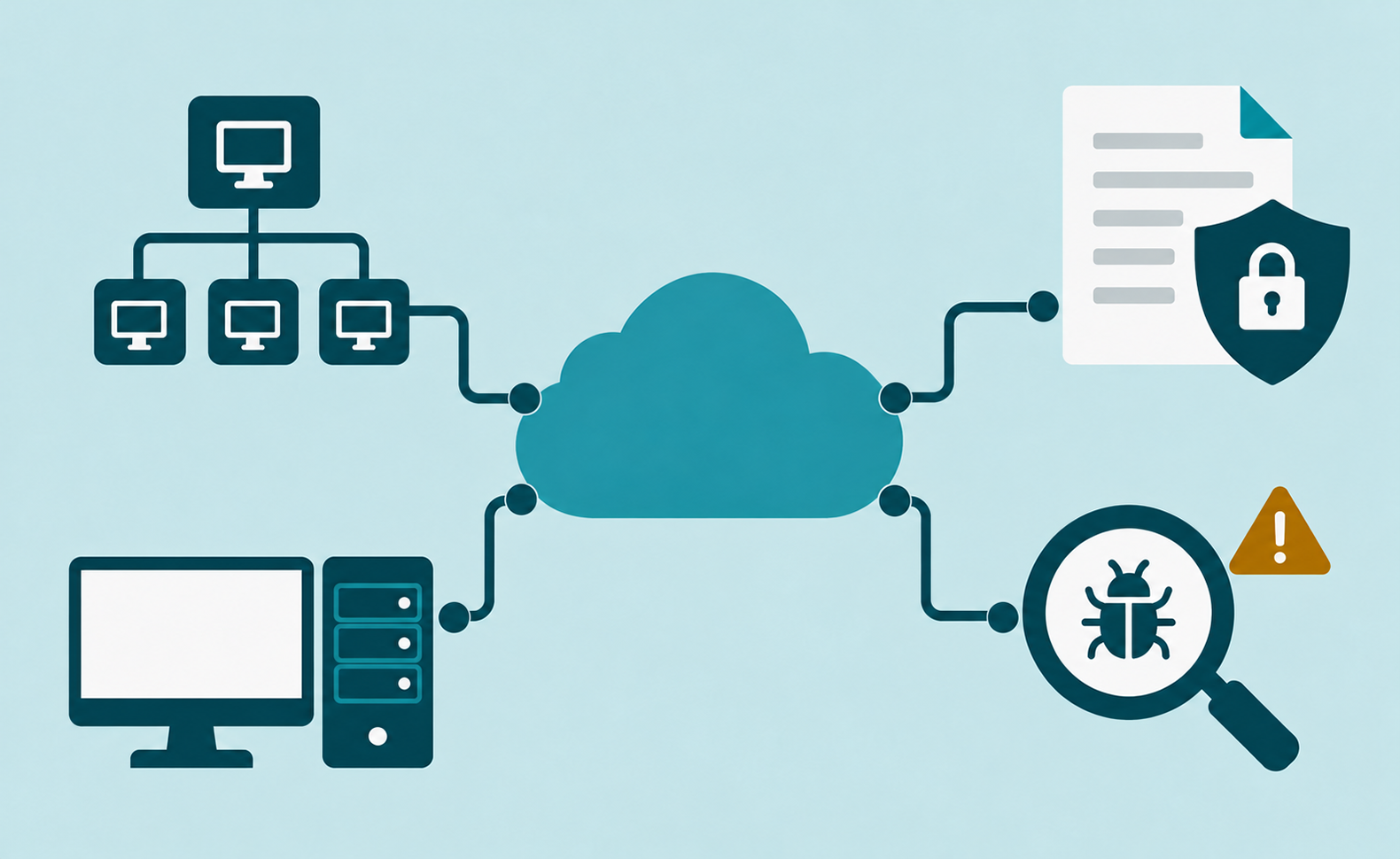
The platform consists of four core areas built on one shared dataset. The foundation is the automatic inventory scan: it captures your IT estate without agents, using more than 25 scan modules, from Windows and Linux to VMware and Microsoft 365.
Four areas, one inventory
- CMDB: Maps your entire IT estate, including devices, software, cloud services, locations, organizational structures, and the relationships between them. Network diagrams are generated automatically.
- IT asset management: Lifecycle, costs, warranties, and ownership for every asset, including automatic warranty checks against manufacturer databases.
- ISMS: Risk management, measure tracking, and assessment against frameworks such as ISO 27001, NIS2, GDPR, and BSI C5, linked to real assets from the CMDB. Permissions analysis for the Windows file system is also part of this area.
- Analysis: CVE matching against your own estate. The results flow straight into the ISMS.
On top of that come cross-cutting features: the AI assistant, SmartDocs with document control, a cross-module task center, and flexible customizing with a REST API and an MCP interface.
Agentless connection, operated in the EU
Docusnap365 runs as SaaS. A locally installed Docusnap Enterprise Gateway (DEG) connects your environment to the cloud without agents, using standard protocols. By default, credentials stay in the DEG and are not transferred to the cloud. For segmented environments, you can run a separate gateway for each security zone, with no limit on the number. Hosting is GDPR-compliant and based in the EU. The AI models run with a European provider in the EU, and customer data is not used for training. The operation of Docusnap365 is ISO 27001 certified.
FAQ: Frequently asked questions about Docusnap365
Is Docusnap365 suitable for small IT teams too?
Yes. Small teams in particular benefit from the inventory running automatically and from every area using the same data. The user interface is deliberately simple, and reports are quick to create. With the Pro, Business, and Enterprise editions, the platform grows along with your environment.
What’s the difference between Docusnap and Docusnap365?
Docusnap365 is the cloud platform (SaaS) from Docusnap GmbH. For organizations that want to keep their data in their own data center, there’s Docusnap 15, the on-premises solution. Together, the two are in use at more than 5,000 companies.
How much does Docusnap365 cost?
Docusnap365 is available in Pro, Business, and Enterprise editions. Pricing depends on the edition. You’ll find current details on the pricing page.
Does any software need to be installed on the target systems?
No. Inventory scanning is agentless. A locally installed gateway (DEG) runs scheduled scans using standard protocols. Nothing is installed on the target systems, and by default the credentials stay in the DEG.
Which frameworks are supported?
Docusnap365 provides the structural foundation for ISO 27001, NIS2, GDPR, and BSI C5: risk register, measure tracking, policies, and evidence. The platform does not issue certifications itself and does not conduct audits. It delivers the data and structures the audit team wants to see.
How is Docusnap365 different from a traditional CMDB?
A traditional CMDB captures and maintains the IT inventory. Docusnap365 does that too, but uses that inventory as the shared data foundation for IT asset management, information security, and vulnerability analysis. Instead of running four separate tools, every area works with the same data.
Is there a free trial?
Yes. The 14-day trial shows the feature set of the Business edition in your own network, with the limits of the Pro edition. Export functions such as the signed PDF export are not included in the trial. No credit card is required, and the trial does not renew automatically.